


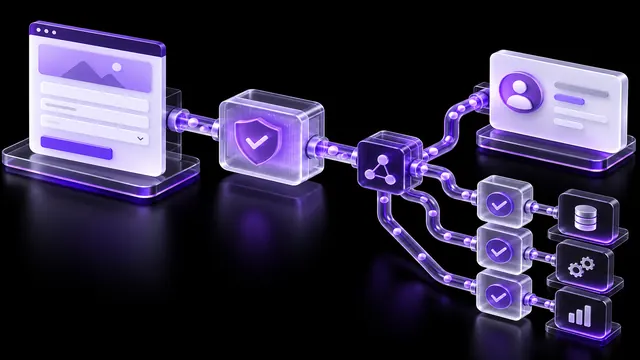
Check forms, fields, UTM tags, duplicates, lead owners, consent, error handling and monitoring so enquiries reach Bitrix24 or amoCRM.
Data diagram
List all forms and entry points. For each, record a CRM entity, mandatory fields, phone format, source, send page, and consent rules.
Routing
Check the funnel, the stage, the responsible, the backup, the working hours and the notification. Don't create an automatic task without a clear owner.
Sources and UTM
Transmit only the parameters that are actually available, agree on what happens when you have blank tags, revisit and text, and don't substitute the lack of data for guesswork.
doubly
Identify the comparison key, the period, the behavior when re-addressed and the preservation of history. Merger on a single phone can be dangerous for family or corporate contacts.
Mistakes.
Test CRM downtime, expired tokens, timeouts, invalid data and resubmissions. Provide logs without unnecessary personal data, alerts and controlled retries.
Acceptance and operation
Check at least 30 scenarios: each form on mobile and desktop, valid and invalid fields, duplicates, different UTM parameters, CRM failure and recovery. Assign an integration owner and change-control rules.
Frequently asked questions
Do I need to submit test enquiries?
Yes, but use the labeled test data and delete it after receiving it in a consistent process.
What to do without UTM?
Keep an honest meaning of "not defined" or an agreed rule, rather than coming up with a source.
How not to lose the enquiry in case of failure?
You need a log, a notification, a secure repeat or a backup route, depending on the architecture.
Who should accept integration?
Developer, CRM owner, head of sales and responsible for analytics according to their criteria.
Verified sources
Updated October 19, 2026, the terms of the project are confirmed after diagnosis; the positions, indexing and recommendations of search AI are not guaranteed.